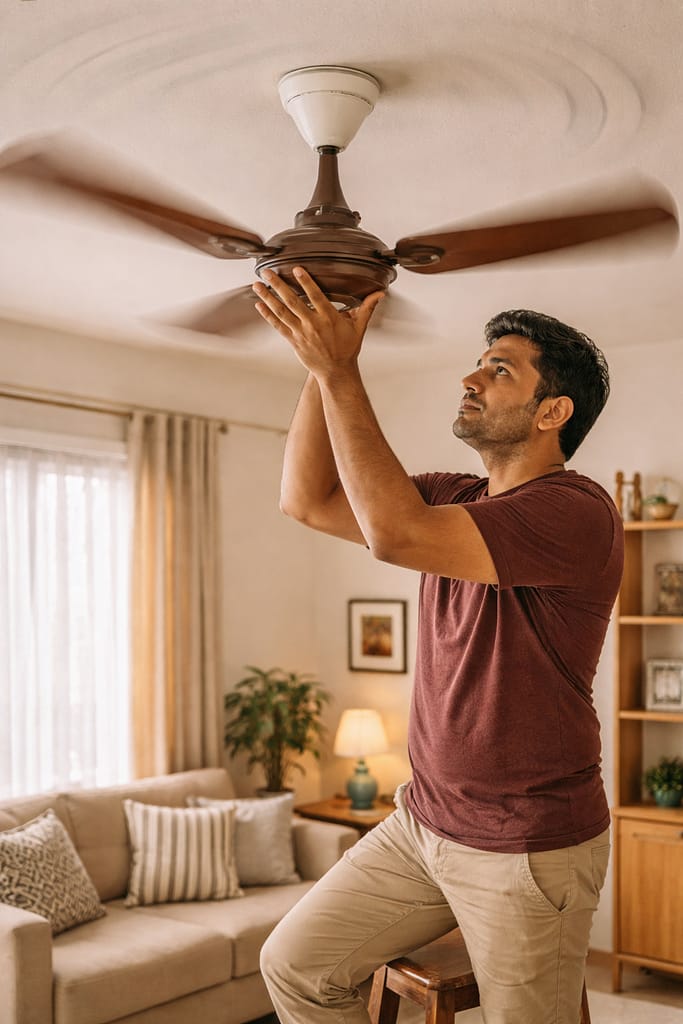
A noisy ceiling fan can make daily life uncomfortable—especially when the sound gets louder at night or during work. Most fan noises come from loose parts, dirt buildup, or minor motor issues.
This guide explains why your ceiling fan is making noise and shows simple, beginner-friendly methods to fix it using common home tools.
Why Is Your Ceiling Fan Making Noise?
A ceiling fan usually makes noise due to loose screws, dry bearings, wobbling blades, dust buildup, or a worn-out capacitor. Based on user reports, most noise problems are mechanical and easy to fix at home. Only severe humming or burning smell requires professional help.
Common Causes
- Loose blade screws
- Motor needing lubrication
- Dust on blades causing imbalance
- Loose fan rod or canopy
- Weak capacitor
- Worn bearings
How to Fix Loose Screws and Wobbling Blades?
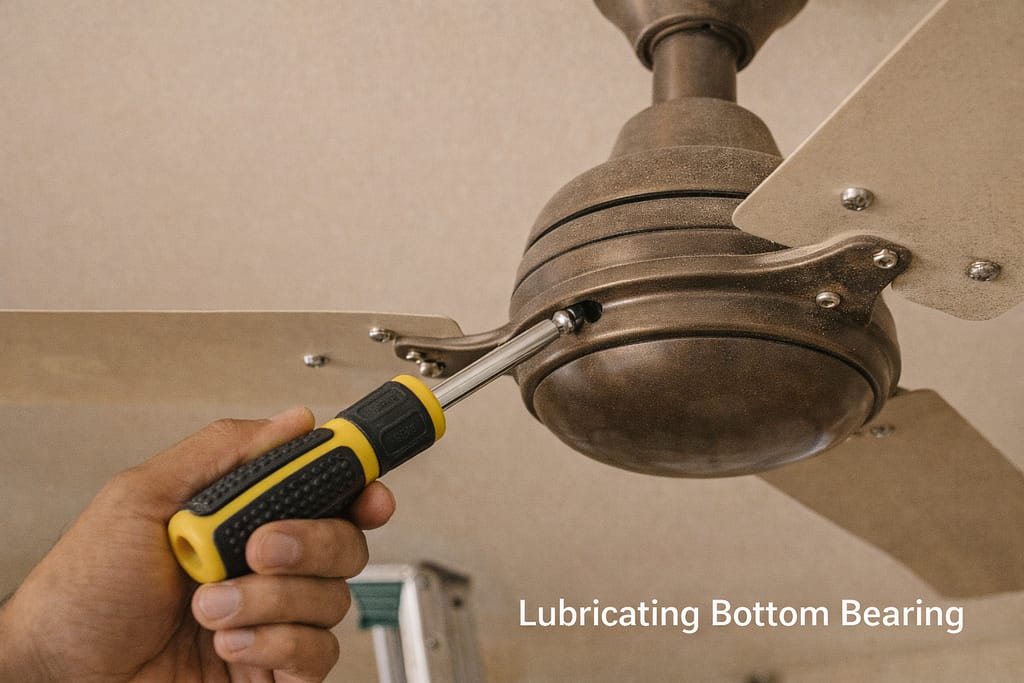
If your fan is wobbling or making a clicking noise, the most common fix is tightening the blade screws and checking the mounting bracket. According to support guidelines, even slight looseness can create noise at high speed.
Steps to Fix
- Turn off the power from the switchboard
- Climb a stable stool or ladder
- Tighten all blade screws with a screwdriver
- Tighten the bottom and top canopy screws
- Check if the downrod nut is secure
Real-Life Example
Many users report that tightening just two blade screws reduces 70% of fan wobble noise.

How to Lubricate a Noisy Fan Motor?
If your fan makes a grinding or squeaking sound, the motor bearings may be dry. Adding a few drops of machine oil can reduce friction and noise. Based on user reports, lubrication is one of the most effective DIY fixes for older fans.
Steps
- Switch off power completely
- Remove the fan cover or top nut (based on model)
- Add 2–3 drops of sewing machine oil in the bearing area
- Rotate the blades gently to spread the oil
- Turn on the fan and check noise levels
Note: BLDC fans usually should not be oiled—follow brand guidelines.
How to Fix Humming or Buzzing Noises?
A humming sound usually indicates capacitor issues or low voltage. According to support guidelines, replacing a weak capacitor often restores normal fan speed and reduces noise. If humming happens only during peak hours, voltage fluctuation may be the cause.
What You Can Do
- Check if the regulator is faulty (old coil-type models cause humming)
- Replace the capacitor (2.5–4 μF depending on fan model)
- Ensure fan wiring is tight in the canopy
- Avoid using dimmer-style regulators
When to Call a Technician
- Humming continues even after capacitor change
- Burning smell from the motor
- Fan runs extremely slow
How to Reduce Noise Caused by Dust or Imbalance?
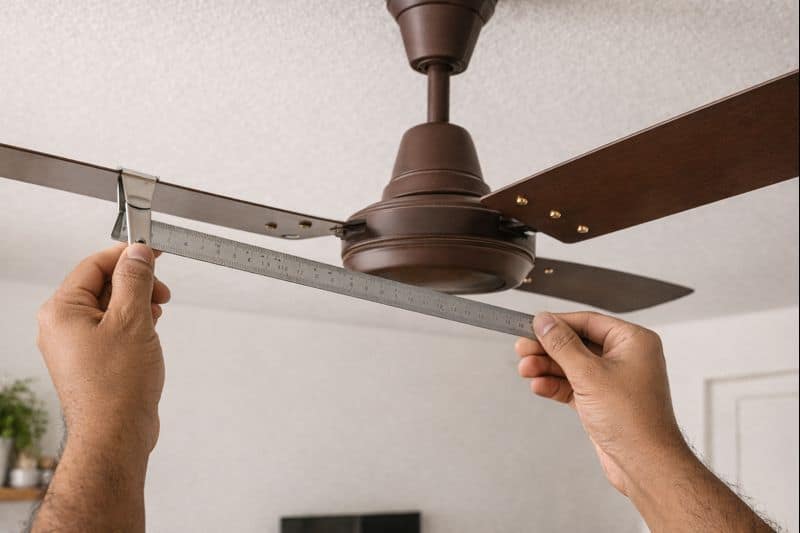
Dust buildup can make blades uneven, causing whooshing or vibrating sounds. Cleaning the blades and balancing them restores smooth airflow. According to user reports, regular dusting significantly reduces fan noise.
Steps
- Clean blades using a damp cloth or microfiber
- Check if all blades have equal dust removed
- Ensure no blade is bent or misaligned
- If a blade is slightly bent, gently straighten it
Bonus Tip
Add blade balancing clips (commonly available online) if wobble persists.
Conclusion:
A noisy ceiling fan is usually easy to fix with simple home tools and a few maintenance steps. Tightening screws, cleaning blades, oiling bearings, and replacing an old capacitor are the most effective DIY solutions. Follow these steps, and your fan should run smoothly and quietly again.
Disclaimer: This article shares general troubleshooting information, not official support guidance.
Frequently Asked Questions
Q. Why is my ceiling fan making a loud humming noise?
A. This usually happens due to a weak capacitor or a faulty regulator. Replacing these parts typically reduces or eliminates the humming sound.
Q. Can I fix a noisy ceiling fan myself?
A. Yes. Common problems such as loose screws, dust buildup, and lack of lubrication are simple DIY fixes that most people can handle at home.
Q. Why does my fan make noise only at high speed?
A. This often occurs because of loose or imbalanced blades. Tightening all screws and cleaning the blades usually solves the problem.
Q. Is a noisy fan dangerous?
A. Not always. However, if you notice a burning smell, excessive heat, or severe shaking, switch off the fan immediately and call a technician.